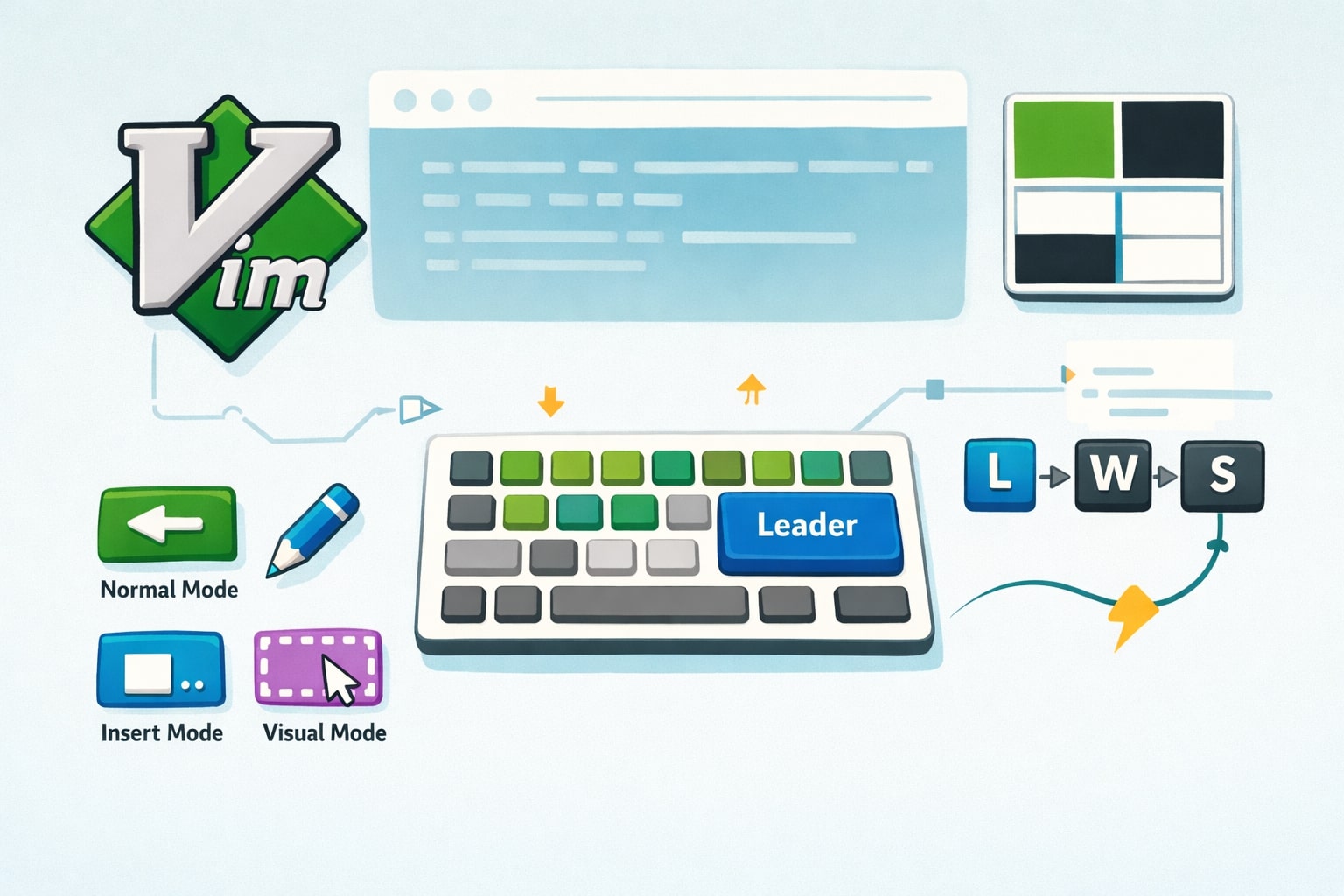
Most Software Would Benefit From Being Modal

TLDR
A big part of optimizing your workflow is mastering the tools and software you use. In most cases, that means learning their keybindings. Most software relies heavily on modifier-key combinations, but I think there’s a better approach: modes. Modal software allows for more ergonomic shortcuts, clearer mental separation of actions, and far better use of the keyboard.
Inspiration
The inspiration for this post comes from tools like Neovim and tmux, both of which are fundamentally modal. What makes Vim/Neovim especially appealing to me is how heavily they rely on the home row and how their shortcuts are sequential rather than chorded.
-represent sequential keystrokes, while+represents key combinations.
For example, I find v-i-w far more intuitive than cmd + shift + → (highlighting a word in a text editor). Vim’s normal mode is designed for navigation and manipulation, while insert mode is explicitly for writing. That separation is powerful.
When you’re always in insert mode (as is the case with most software) the keyboard is effectively reserved for typing text. That forces every action to be hidden behind modifier keys. To me, that feels like a waste of perfectly good keys. Modal software lets you reuse the same keys for different purposes, depending on intent, which makes single-key actions possible and far more ergonomic.
My Workflow
My workflow lives almost entirely in the terminal.
I use tmux to manage sessions, windows, and panes, and Neovim as my editor. Tmux lets me jump between contexts instantly, enter copy mode to grab anything on screen, and keep long-running processes neatly organized. Neovim handles everything from quick edits to deep refactors without ever touching the mouse.
Outside of the terminal, the only other application I really use is a browser. So this just goes to show my preference for modality
Case Study: The Browser
There are many pieces of software that would benefit from being modal, but the browser is one of the clearest examples.
As a developer, most of my work happens in the terminal. Everything else happens in the browser. Luckily, I found a browser that actually embraces modality.
For the past few years, my browser of choice has been SigmaOS. It’s not the most developer-focused browser, and it has recently pivoted directions and development appears to have slowed or halted. Despite that, it’s still my daily driver for one simple reason; it’s modal.
SigmaOS had a value proposition that really resonated with me. The modern web is made up of countless web applications, and the browser is effectively the tool we use to manage and navigate them. If that’s the case, why not treat the browser like an operating system? Hence the name SigmaOS.
It supports this idea well with features like:
- Vertical tabs
- Workspaces with isolated cookies and sessions
- An app-launcher-style command/search bar
But the standout feature that no other browser has is single-key shortcuts.
I can:
- Open a new tab with
/ - Navigate back and forward with
[and] - Delete a tab with
d
All of these are single keystrokes. Compared to traditional shortcuts like cmd + t, cmd + →, or cmd + w, this feels dramatically more fluid and easier to use.
SigmaOS also handles context exceptionally well. If I’m using a web app with its own shortcuts, I can enter focus mode, where the browser steps out of the way and lets the app behave as intended. Focus mode effectively becomes a “now I’m using the tool itself” mode, while normal mode is for browser navigation.
On top of that, SigmaOS automatically detects when I’m typing in a text field and switches into an insert-like mode. That way, I don’t accidentally trigger browser shortcuts while writing. It’s a small detail, but it makes a huge difference.
Why This Is Better
This is why I believe more software should adopt modality.
Modal interfaces let you use your entire computer, quickly and intentionally, without reaching for the mouse. That’s not just faster; it’s more ergonomic and mentally efficient. Each mode represents intent: navigating, editing, writing, or using a tool as designed.
We’re already seeing this idea spread. Many modern tools now offer Vim-inspired keybindings or modal behavior, including:
Modal software encourages flow. It reduces cognitive overhead, minimizes hand movement, and rewards muscle memory. Once you internalize it, the computer feels less like a collection of apps—and more like a single, coherent tool.
That’s why I think modality isn’t just a preference. It’s a better default.